Log in

Accept card payments, MobilePay, and popular wallets in a checkout that fits your webshop.
Your order
2 items
499,00 kr.
Choose payment method





Secure payment with ePay









Great customer service is one of our three core values. That’s why you won’t just be handed off to a chatbot when you need help.
How do I insert my logo?

Hi Adam!
You’ll find it under "Payment" and then "Payment windows". Let me know if you need any further help 💪
Best, Anders
ePay is owned and run by its founders. That means short decision-making paths, strong passion, and a sharp focus on delivering a payment solution that makes sense.

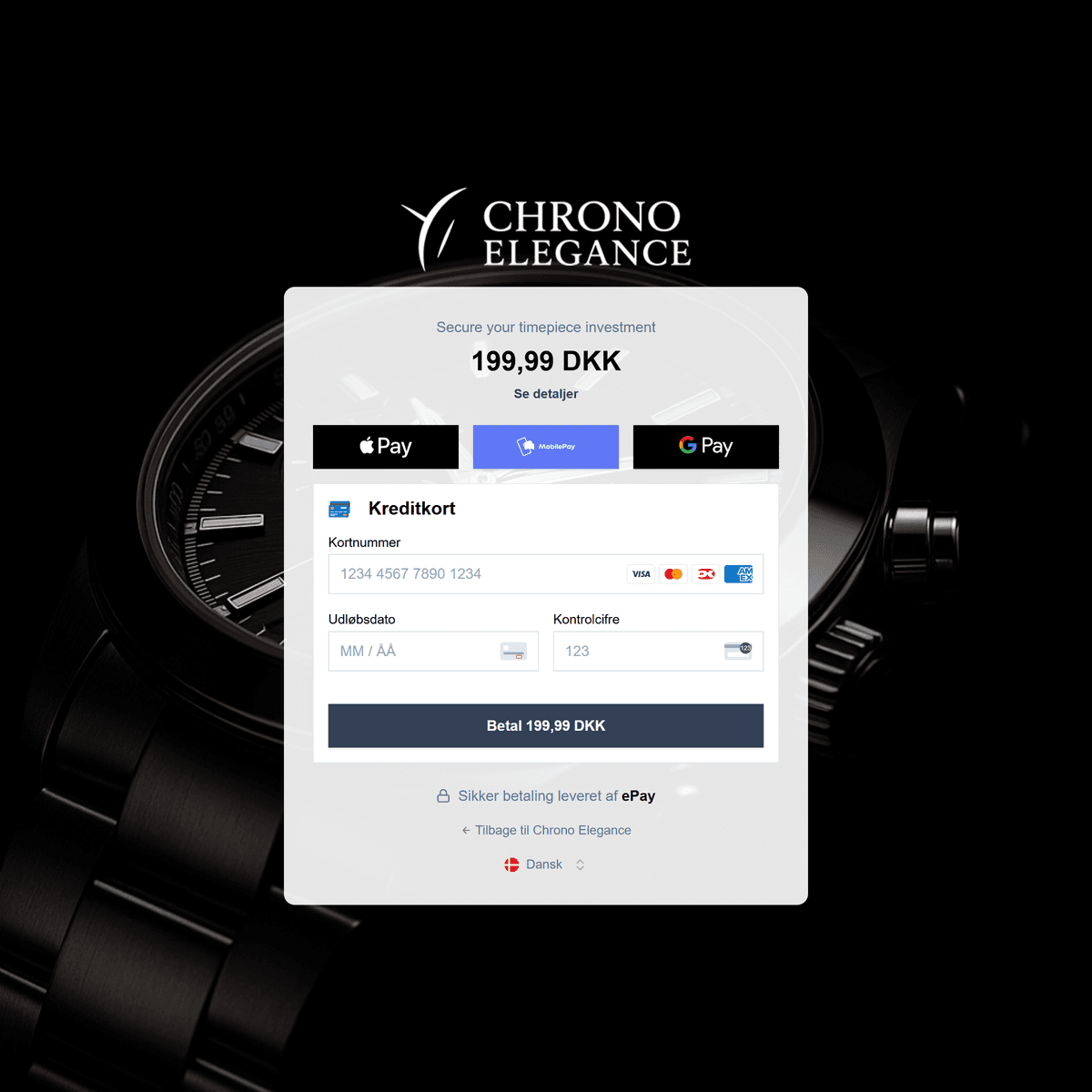
Tailor the payment experience so it feels like a natural part of your WooCommerce webshop.
Choose payment methods, order, layout, and visual settings directly in ePay, without building the checkout from scratch.
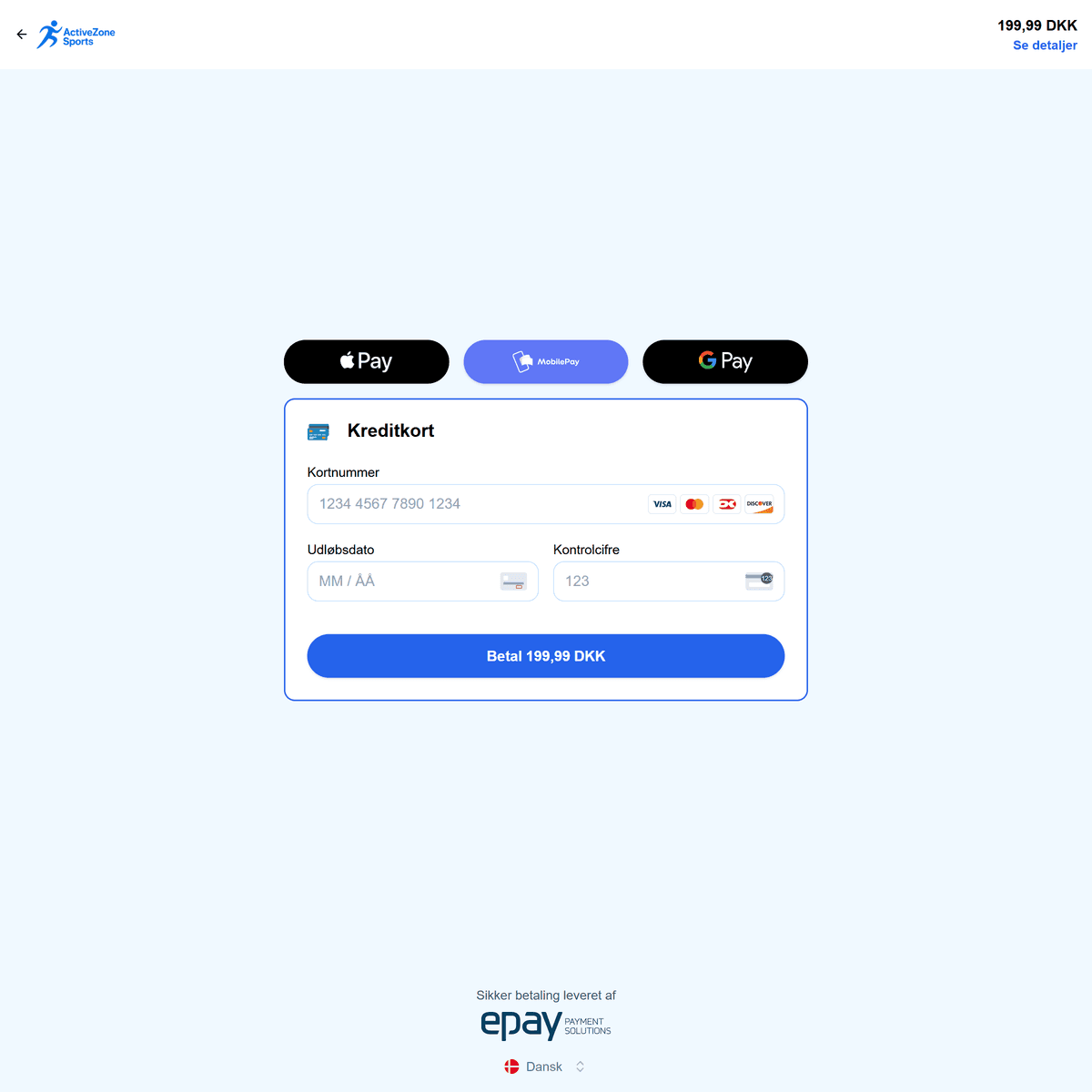
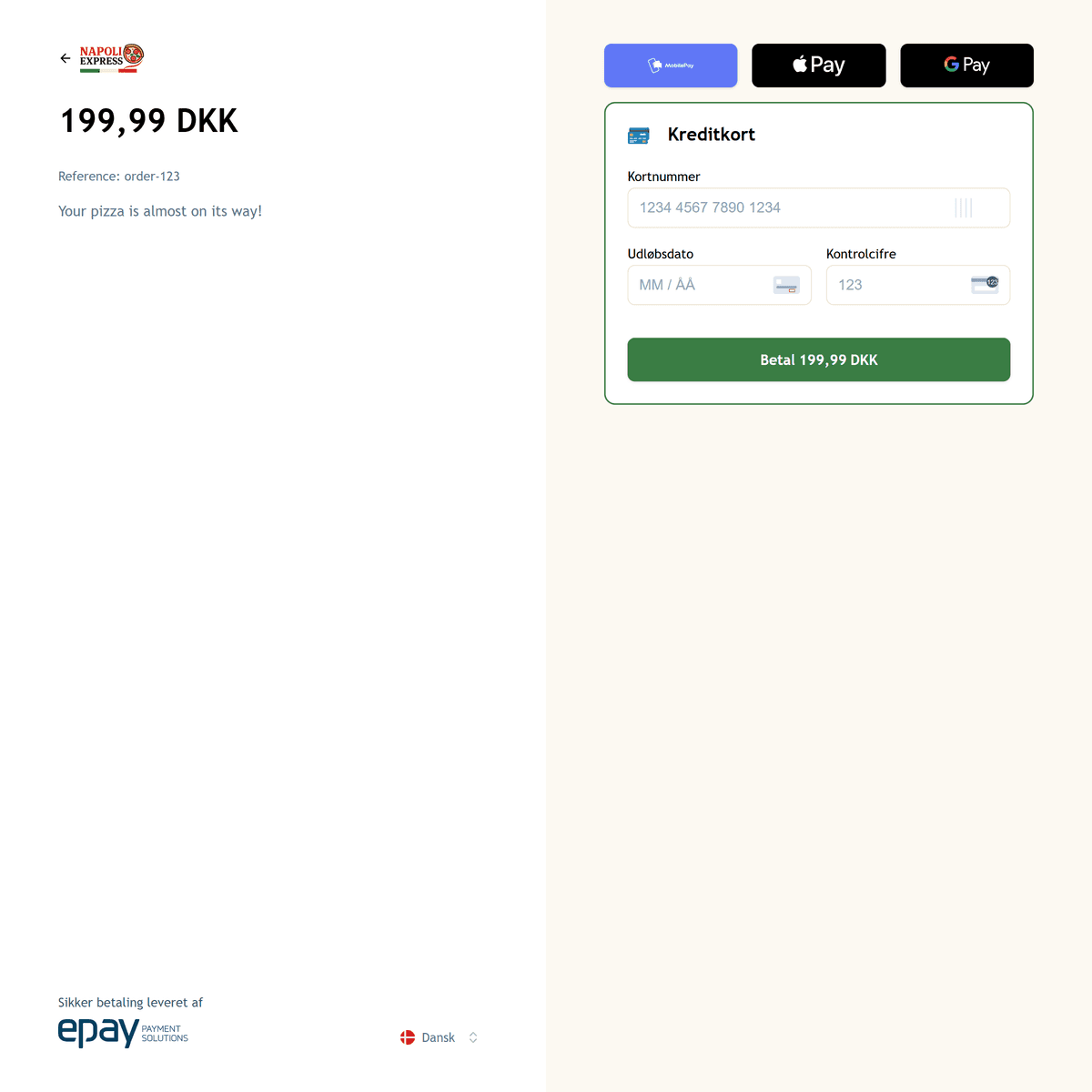
See payment status and transaction information directly on each WooCommerce order, so you can quickly see whether the payment is completed, captured, cancelled, or refunded.
Capture, refund, or cancel the payment from the same view without opening ePay Backoffice.
It makes day-to-day order handling faster and reduces switching between systems.
Order #1842
Captured
Get a complete overview of payments from your WooCommerce webshop in ePay Backoffice.
Quickly find each transaction and view payment status, amount, payment method, transaction ID, and the full payment history.
While WooCommerce brings your orders together, ePay gives you the details behind each payment.
That makes it easier to investigate specific transactions, find the reason for a declined or missing payment, and stay on top of a growing order volume.
Use ePay with WooCommerce Subscriptions for memberships, regular deliveries, and other recurring payments.
The customer saves their payment method once, after which later payments can be completed automatically.
The subscription is managed in WooCommerce while payments can be followed in ePay.
That gives you a flexible way to build a business with recurring revenue, without changing how you already manage products and orders in WooCommerce.
Add age verification to your WooCommerce checkout, so the customer’s age can be verified as a natural part of the payment.
Verification is activated only for products that require it, while the rest of the checkout flow continues as normal.
MobilePay and Vipps already know the customer’s age, so the payment flow continues as normal without MitID. If the customer does not meet the age requirement, the payment is declined in the MobilePay/Vipps app. If the age is approved, the payment is completed as normal.
You decide which products and age limits the verification applies to, giving you a solution that helps you sell age-restricted products.
Your order
Checkout with age verification

Nordic whisky
Age-restricted item
399.00 kr.
1 item

Tobacco
Age-restricted item
89.00 kr.
1 item

E-cig starter kit
Age-restricted item
249.00 kr.
1 item

Wine glass
Age-restricted item
79.00 kr.
1 item
A plugin connects WooCommerce to your payment solution. ePay gives you the platform behind it, built on more than 20 years of online payment experience.
You get tools to tailor the payment experience, manage transactions, and follow payments in depth when a standard plugin is no longer enough.
The solution can be extended with more payment methods, subscriptions, and more advanced payment flows without switching platform as your business grows.
And when you need help, you get Danish support from people who know ePay, payments, and the day-to-day running of a webshop.
Ready to get started?
Download the ePay WooCommerce plugin and start accepting cards, MobilePay, and popular wallets in your webshop.