Log in
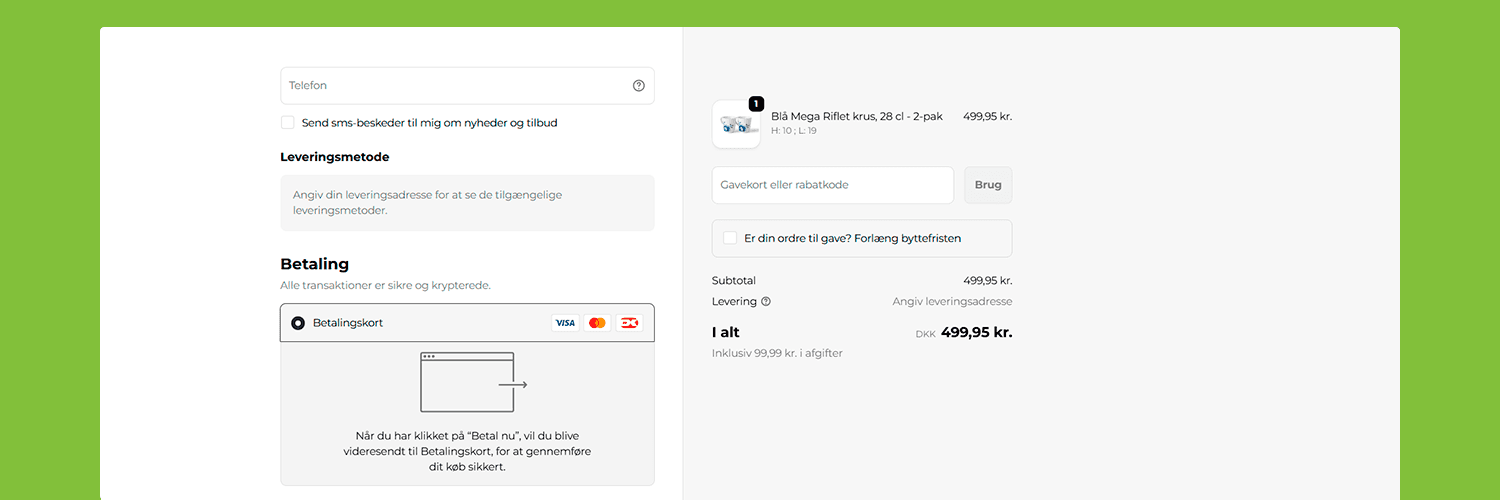
Install our app directly from Shopify and be ready in minutes.
Dankort, Visa, Mastercard, Apple Pay, Google Pay and more. MobilePay is available as a separate app.
Manage methods, order and visibility - without code changes.
Built to convert - with relevant methods, minimal friction and an experience that fits your checkout.
Shopify makes it easy to run a modern store - and with ePay you get a fast, reliable payment solution that works perfectly with your Shopify storefront.
Our app is built specifically for Shopify and gives you full control over payment methods and checkout - in one place.
ePay adapts to your business - not the other way around. In Backoffice you get flexibility and overview:
All without touching your code - so you can quickly optimize checkout to your customers' needs.
You won't be left with a chatbot.
With ePay you get direct access to our support team that understands both Shopify and payments - ready to help when you need it.
Select the Shopify store you want to connect to ePay and approve the installation.
In the app settings, enter your ePay API key and point-of-sale ID.
Enable the cards and methods you have agreements for. If you want MobilePay as a separate method, install our MobilePay app.
See MobilePay for ShopifyOnce your account is activated, you're ready to accept payments in your Shopify store.